
Finding your event
Everything for your event lives in one place: your Guide, calls, contract and payments. Here's how to get back to it any time, on your phone or computer.
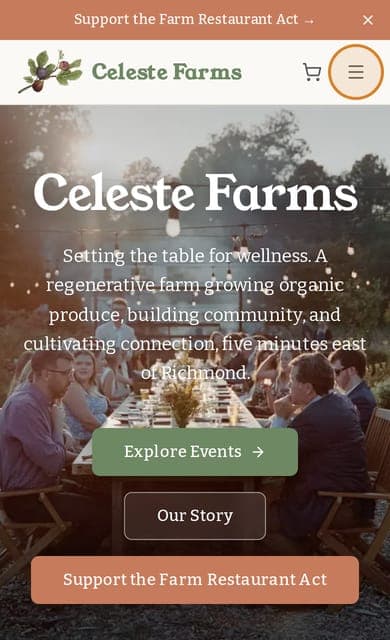
1.Go to celestefarms.com and tap ☰ in the top right corner
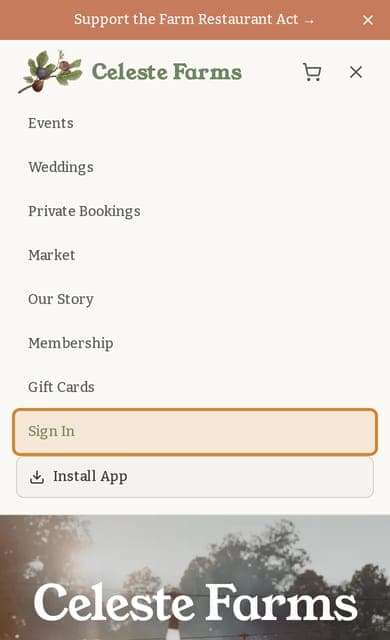
2.Tap Sign In
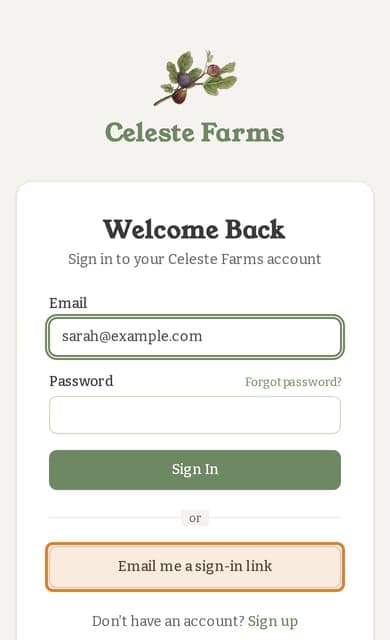
3.Type the email you used. No password? Tap “Email me a sign-in link”
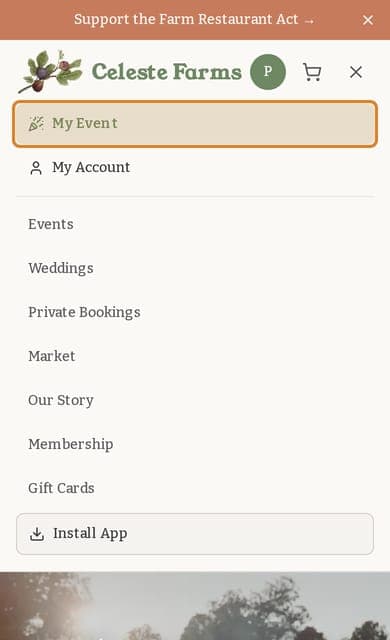
4.Tap My Event
Never set a password?
You don't need one. Type the email you used for your inquiry, tap Email me a sign-in link, and open that email on the same phone or computer.
On a computer?
Sign Inis in the top right corner. Once you're signed in, click your initial there and choose My Event.
On your phone?
Add Celeste to your home screen and it opens like an app. Tap ☰ and, if you see Install App, tap it.